
01 / WIDESCREEN21:9
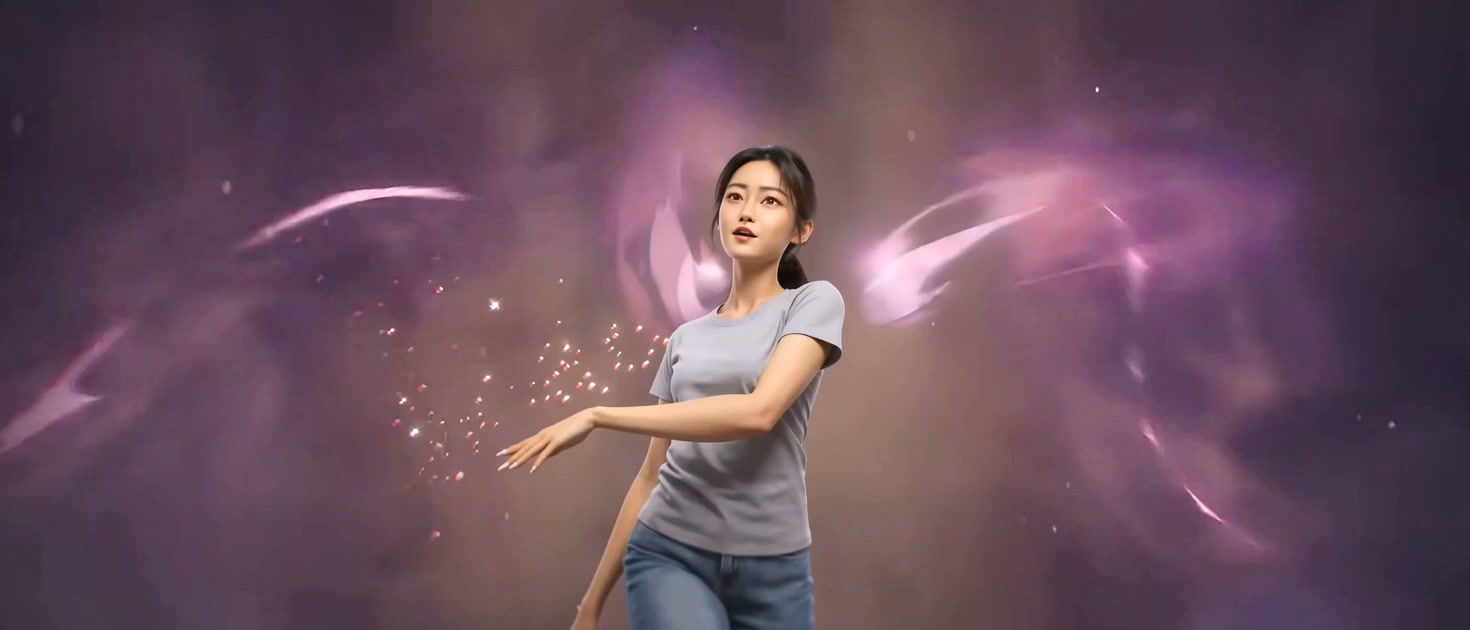
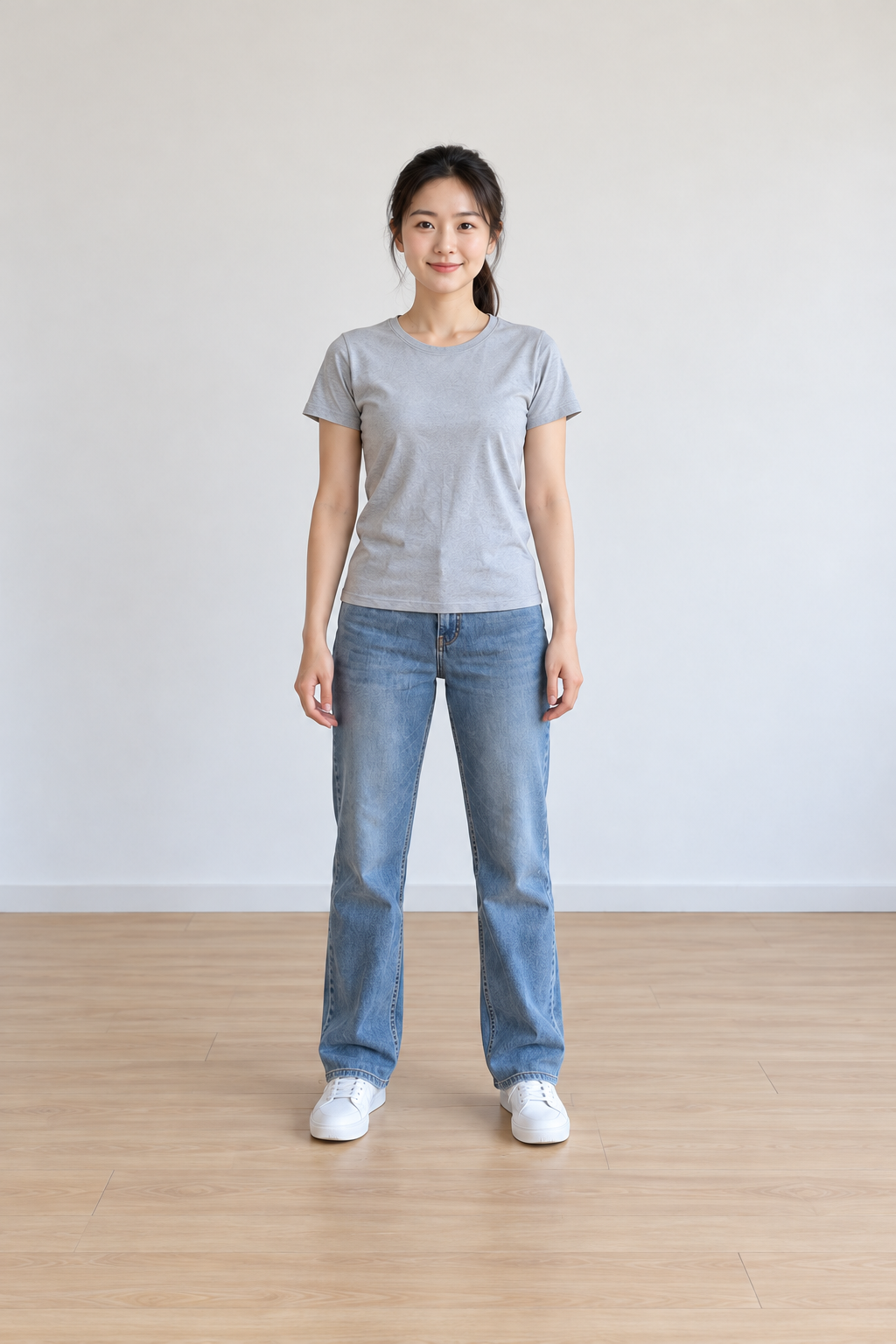
INPUT IMAGE DANCE VIDEO
A photo. A full performance.
Your character takes the stage.
Upload one photo. Make it dance to Kai’Sa’s FIRESTARTER choreography with AI — your own “Beat Drop Beat Beat Drop” moment.
 720p720p
Start with $6.99 USD: 2 video at 12s / 480p. See credit packs
One image, the FIRESTARTER moves. See the transformation.
Your character takes the stage.
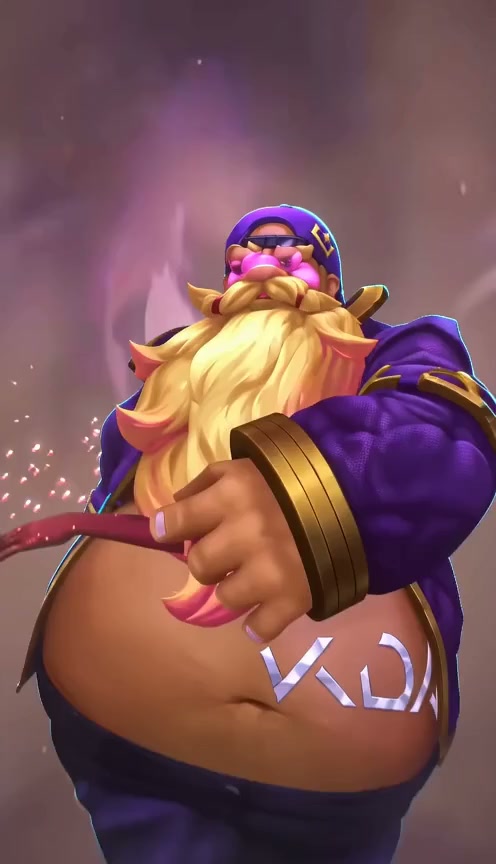
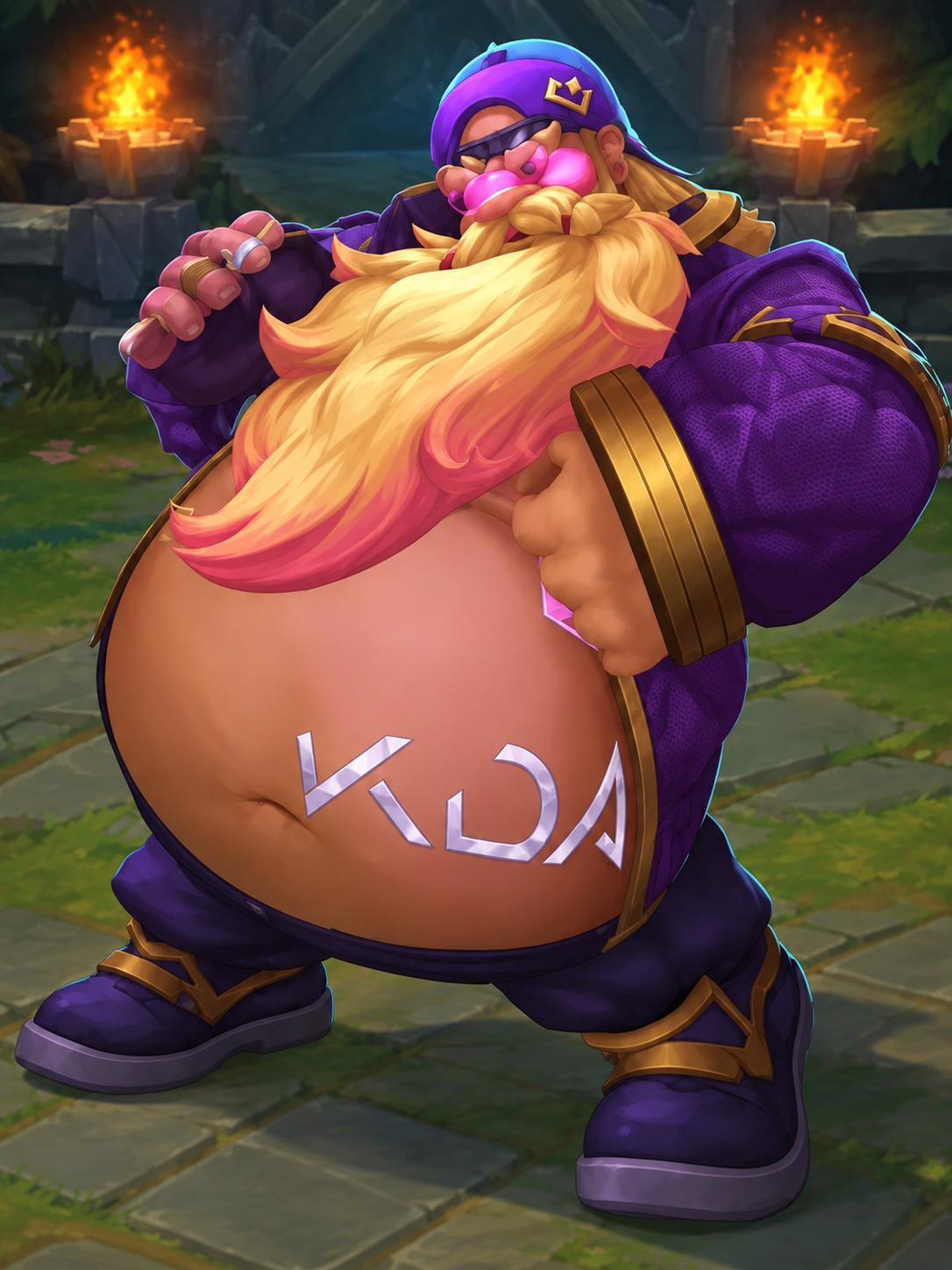
The same energy. Vertical.
| Format | Aspect ratio | Framing |
|---|---|---|
| Widescreen | 21:9 | A wide stage with more room beside your subject. |
| Vertical | 9:16 | An upright frame for a phone feed. |
A clear face, a visible body and good lighting. Upload a photo or original character image you have permission to use.
The Kai’Sa FIRESTARTER reference guides the dance. No prompt writing or timeline editing required.
Preview your 12-second dance with the reference soundtrack, then download the finished MP4.
Kai’Sa’s solo in K/DA’s FIRESTARTER is the inspiration for this dance template. Fans discuss its voguing gestures, sharp poses and dramatic dip. This studio brings that creative starting point to a photo-to-video workflow.
Looking for the original “Beat Drop Beat Beat Drop” dance? Start with the official FIRESTARTER music video. It is a reference, not a sample generated by this tool.
Watch the official FIRESTARTER MVKDA Firestarter AI is an independent photo-to-dance tool focused on Kai’Sa’s solo in K/DA’s FIRESTARTER. Your photo supplies the subject; the dance reference guides the movement.
Upload one clear photo, use the Kai’Sa dance template, then preview and download your video.
Yes—the “Beat Drop Beat Beat Drop” lyric is heard in the original FIRESTARTER dance reference. This page focuses on Kai’Sa’s solo, sometimes discussed as the Kai’Sa voguing or dip sequence, rather than every part of the full choreography.
Choose a sharp photo of one adult, with a clear face and enough room around the arms and body. Full-body images are best for a dance. Original character art can also be explored when you have the rights to use it. JPG, PNG and WebP files up to 10 MB are supported.
Selecting and previewing a photo is free. Generation uses credits, with the cost shown before you start.
AI motion transfer can vary, especially during fast turns, hand gestures and the dip. Review real generated samples when available. The movement illustration on this page is artwork, not a generated result.
Yes. The 12-second reference soundtrack is added to your generated dance before the finished MP4 is available to preview and download.
No. KDA Firestarter AI is an independent tool and is not affiliated with or endorsed by Riot Games, K/DA or the artists behind FIRESTARTER.
From uploading a photo to downloading your finished dance.
Read guide →Photos & troubleshootingSimple photo tips and fixes for common generation problems.
Read guide →Template & settingsUnderstand the template, framing and video quality options.
Read guide →Photo preview is free. No account needed to explore.